SECTOLCRAFT
Minecraft Java Edition 26.2
Download the launcher
Choose a download for your computer. The launcher installs Minecraft and the mods, then you can pick a world in the game.
Getting started
Open the launcher
On Windows, run the downloaded SectolCraft.exe file. On Linux, give the file permission to run first.
Linux commands
Open a terminal in the folder containing the downloaded file and run these two commands.
chmod +x ./SectolCraft
./SectolCraft
Sign in
Enter your username and password in the launcher. If this is your first visit, create an account there. Email is optional.
Choose a world
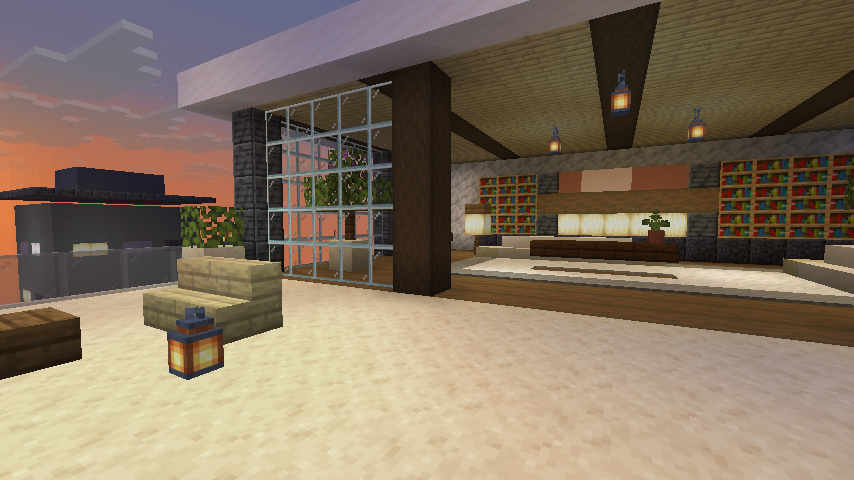
Start the game from the launcher. In the Minecraft menu, select the test world or visit the Penthouse to chat with other players.